Facebook Dating operates as a separate module within the Facebook app. The Dating profile is distinct from the main profile, conversations remain outside of Messenger, and no Dating-related activity appears in the news feed. This compartmentalized architecture makes discreet usage detection particularly difficult, as Facebook does not provide any official tool to check if someone is registered.
The following clues are based on behavioral and technical observations. Each, taken in isolation, does not constitute proof. The central question remains how to know if someone is on Facebook Dating without confusing an innocuous change in habits with actual use of the platform.
1. Check the geographical availability of Facebook Dating

Facebook Dating is not accessible everywhere. The service is deployed in certain countries and absent in others. Before drawing any conclusions, the first reflex is to check if the person is in an area covered by the service.
If they reside in a country where Dating is not activated, the hypothesis collapses on its own. This geographical filter eliminates a significant number of false suspicions.
2. Observe the presence of the Dating icon in the app
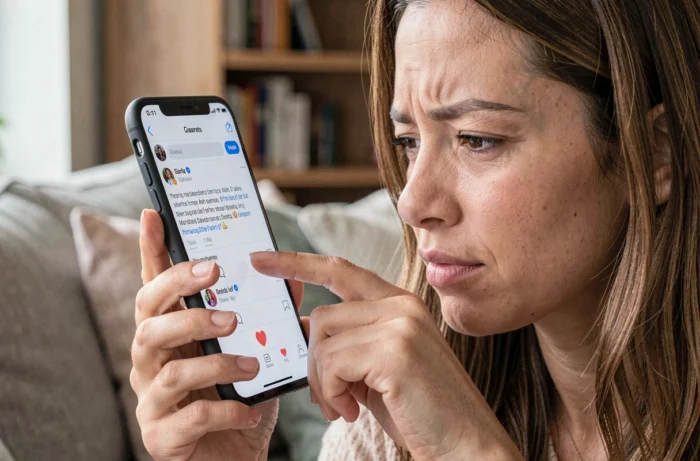
Access to Facebook Dating is through a heart-shaped icon in the mobile app menu. This icon appears only on Android and iPhone devices, not on the browser version of Facebook.
If you have the opportunity to see the person’s Facebook app home screen, the presence of this icon indicates that the service is at least accessible on their account. However, the visible icon does not mean that a Dating profile has been created. It is displayed by default in areas where the service is available.
3. Spot a sudden change in privacy settings

A user who activates Dating may become more vigilant about the visibility of their main Facebook profile. Restricting the friends list, hiding “likes,” or limiting access to recent posts are adjustments some make to avoid being recognized by acquaintances on Dating.
This signal remains ambiguous. Many people strengthen their privacy for professional or personal reasons unrelated to a dating app. A change in settings alone proves nothing without other consistent clues.
4. Look for notifications or conversations separate from Messenger

Exchanges on Facebook Dating do not go through Messenger. They remain confined to the Dating tab of the app. A person using the service therefore receives notifications distinct from those of regular Messenger.
If you notice that the person frequently checks their Facebook app without new conversations appearing in Messenger, this may indicate the existence of exchanges in another space of the app. However, this behavior is also compatible with simply browsing groups, Marketplace, or other features.
5. Distinguish a real clue from a simple need for privacy
Several specialized sources remind a fundamental point: hiding one’s screen, being defensive in response to a question, or avoiding showing one’s phone are not evidence of registration on a dating app. These behaviors may reflect a legitimate desire to preserve personal space.
The absence of a direct answer to a question does not equate to an admission. Confusing jealousy with investigation often leads to unnecessary conflicts. A clue only holds value when placed in perspective with other factual elements.
6. Search for a profile via an email address or phone number

Some third-party platforms offer to search if an email address or phone number is associated with a profile on dating apps. The principle relies on cross-checking in public or semi-public databases.
The reliability of these services varies greatly. Many display vague results or require payment before revealing anything concrete. Using these tools also raises privacy concerns. Here are the precautions to keep in mind:
- Check the reputation of the service before use (independent reviews, displayed privacy policy)
- Never provide your own Facebook credentials or passwords to a third-party site
- Keep in mind that a negative result does not guarantee the absence of a profile, and a positive result may be outdated
7. Monitor the appearance of new curated profile photos
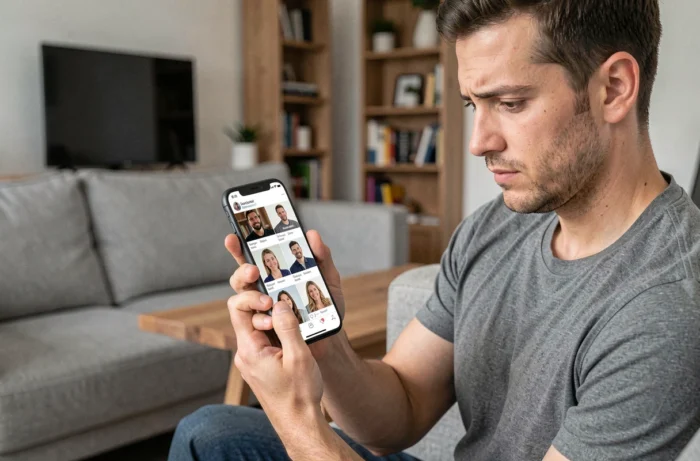
Facebook Dating allows users to choose specific photos for their Dating profile, different from those on their main profile. A person who starts taking or selecting polished portraits, solo photos (where they mainly shared group photos), may be preparing a dating profile.
This change in photographic behavior deserves attention, especially if combined with other signals. Taken alone, it may simply reflect a desire to refresh one’s image on social media in general.
8. Create your own Dating profile to check mutual friends
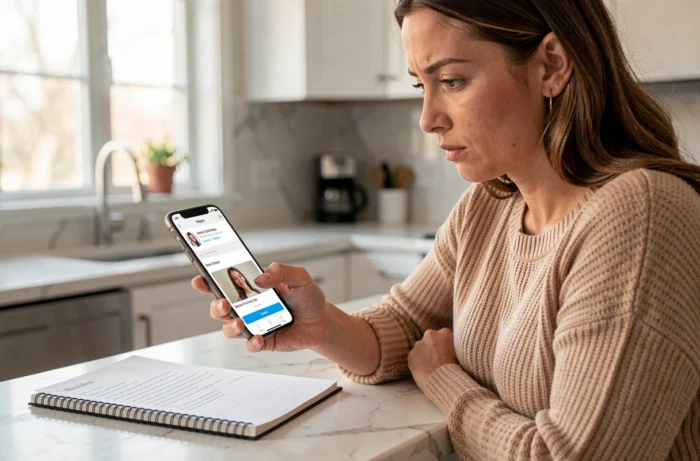
Facebook Dating displays mutual friends between two Dating profiles. By creating your own profile on the service, you could theoretically cross paths with the person’s profile if they are registered and match your search criteria.
This method has major limitations. The person’s profile only appears if their distance, age, and preference criteria match yours. Facebook also allows users to exclude Facebook friends from their Dating suggestions. If the person has activated this option, you will never see them in your suggestions, even if you are registered.
- The suggestion algorithm does not show all active profiles, but a filtered selection
- The person may have excluded their Facebook friends from their Dating results
- Creating a fake profile or a profile solely to monitor someone raises ethical concerns and may violate Facebook’s terms of use
None of these eight leads provide absolute certainty. The technical compartmentalization desired by Facebook between the main profile and Dating makes any external verification approximate. Before confronting someone, weighing the difference between a cluster of consistent clues and mere suspicion remains the most useful precaution.