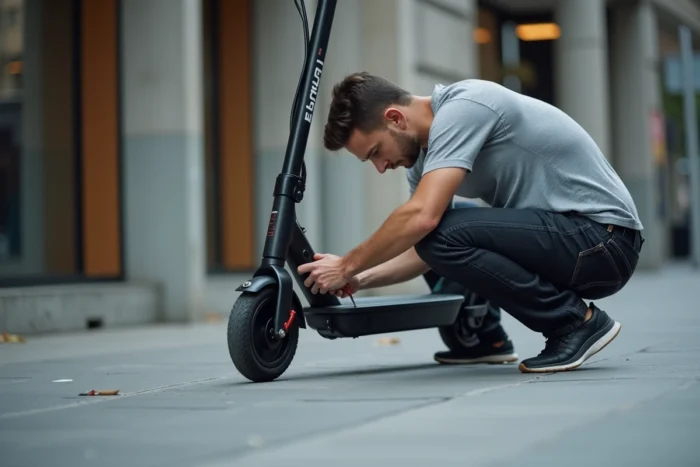
Your Urban Glide 140 refuses to start one weekday morning, just ten minutes from the office. Before contacting customer service or looking for a workshop, several common issues can be resolved with a screwdriver, a basic multimeter, and a bit of method. This guide covers the most frequent malfunctions on this model and the concrete steps to get the scooter back in working order.
Folding System and Screws: The Mechanical Weak Point of the Urban Glide 140
Competing articles rarely discuss pure mechanics, but this is often where everything begins. The folding mechanism of the 140 relies on a central axle and a locking lever. After a few months of daily use, play develops at the level of the stem.
Initially, you feel a slight lateral wobble while riding, then a clunk when braking. If left unattended, the steering column develops enough play to make riding dangerous.
Tightening the screws of the folding mechanism every two to three weeks prevents this degradation. Use an appropriate Allen key and also check the screws of the stem and handlebars. The UrbanGlide manual recommends regularly checking all screws, which includes the attachments for the fenders and the deck.
When trying to resolve an Urban Glide 140 issue, mechanical tightening is the first reflex before any electrical investigation.
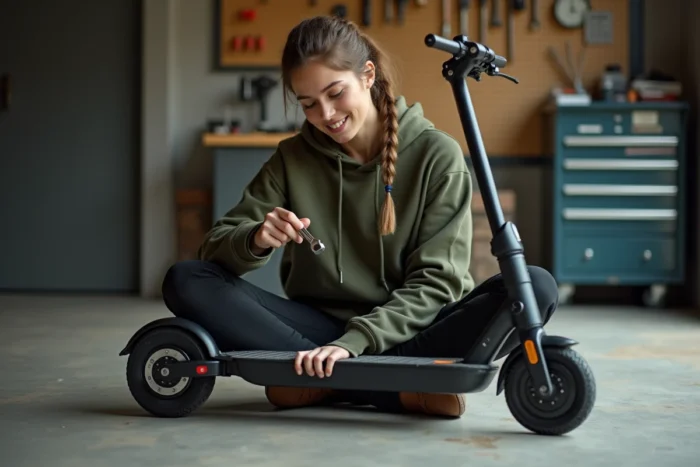
Urban Glide 140 Scooter Won’t Start: Step-by-Step Electrical Diagnosis
The screen remains black, nothing happens when you try to turn it on. Several possible causes exist, and the order in which you check them saves time.
Check the Wiring Condition Before the Battery
The usual reflex is to blame the battery. But on the 140, a poorly seated connector under the deck is enough to cut off all power. Flip the scooter over, remove the lower cover, and inspect each connector. A loose connection in the wiring harness between the controller and the LCD screen can also cause a black screen.
Look for signs of oxidation or moisture on the pins. The IPX4 waterproofing protects against splashes, not against a puddle crossed at full speed or prolonged parking in the rain.
Test the Battery with a Multimeter
If the connectors are clean and well-seated, move on to testing the battery. The nominal voltage is 36 V. Measure at the terminals of the main connector:
- Voltage above 33 V: the battery is functioning, the problem lies elsewhere (controller, screen, or throttle)
- Voltage between 28 and 33 V: battery in deep discharge, attempt a full charge for several hours before concluding
- Voltage below 25 V or zero: the battery is likely out of service and needs to be replaced
Feedback varies on the actual lifespan of the battery, which heavily depends on storage conditions and charging frequency. Prolonged flat storage accelerates the degradation of lithium-ion cells.
Brakes and Throttle of the 140: Addressing the Two Most Reported Issues
The unresponsive throttle is the most discussed symptom on customer service forums for this model. On the 140, the throttle operates with a Hall effect sensor integrated into the grip. When the sensor fails, the scooter starts but does not accelerate, or accelerates in jerks.
To isolate the problem, disconnect the throttle connector at the handlebars, then reconnect it. If the behavior persists, the sensor is at fault. Replacing the throttle grip is a manageable task: three screws, one connector, about ten minutes.
Brakes That Rub or No Longer Bite
The rear disc brake of the 140 requires regular adjustment of the caliper. Constant rubbing of the disc reduces range and prematurely wears the pads. To correct the issue:
- Loosen the two caliper mounting screws without removing them
- Pull the brake lever and hold it tight
- Tighten the caliper screws in this position, then release the lever
- Spin the wheel by hand to check that the disc moves freely
If the pads are worn to the point of no longer braking properly, replace them with pads compatible with the same caliper format. Also check the condition of the brake cable: a frayed or poorly tensioned cable skews the entire adjustment.
Controller and Error Codes on Urban Glide Scooter: When the Breakdown Exceeds DIY
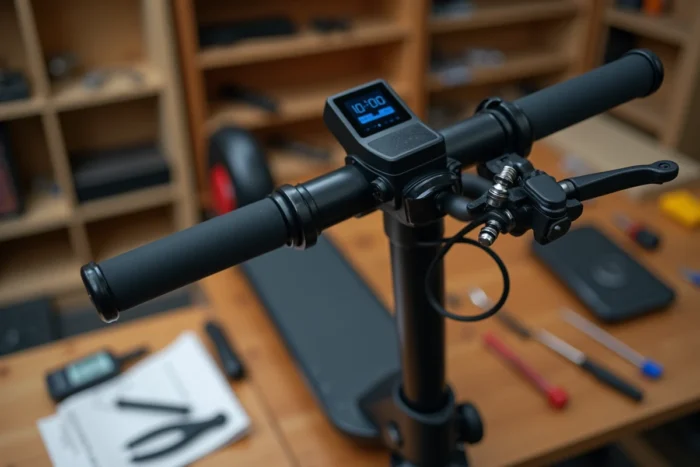
The controller is the electronic brain of the scooter. When it malfunctions, the screen usually displays an error code. On Urban Glide models, these codes indicate a specific problem: motor fault, overheating, communication anomaly between components.
A recurring error code after reboot points to a faulty controller, not just a simple software bug. Before replacing the part, check that all cables connected to the controller (motor, battery, screen, throttle) are properly connected and in good condition. A motor cable pinched during the folding of the scooter can cause a motor error code without the motor actually being faulty.
Replacing the controller remains a delicate operation. If you’re not comfortable with electrical wiring, it’s time to consult a specialized repair technician.
Insurance and Helmet: Two Obligations Not to Forget Before Getting Back on the Road
Once the scooter is repaired, a regulatory point often overlooked: the Urban Glide 140 is legally a motorized land vehicle. Liability insurance is mandatory to ride on public roads, with a lack of insurance punishable by a fine of up to 3,750 euros.
Regarding helmets, regulations vary locally. The Nord and Pas-de-Calais regions make wearing a helmet mandatory for electric scooter users starting September 1, 2026. The city of Nîmes has issued a similar municipal order. Fines vary by territory.
Repairing your scooter yourself saves time and money, but riding without insurance after repairs exposes you to penalties far more costly than the price of a new controller.